
01
Win it.
Takeoffs, estimating and quotes. Build the scope and put a clear price in front of your customer.
Explore the workflow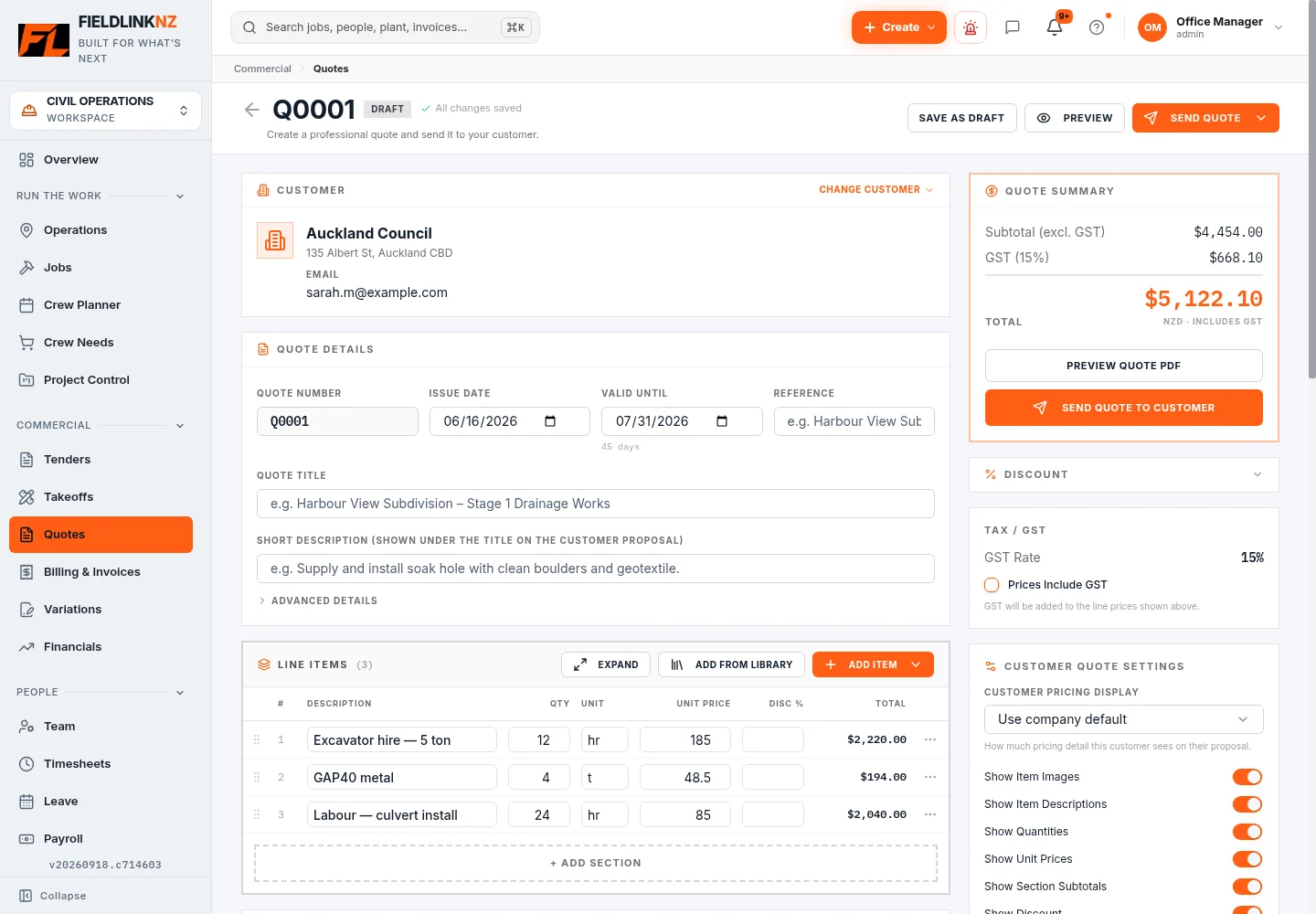
Built in NZ. Built for civil.
From tender to timesheet.
Crew to plant. Site to invoice.
No credit card · 30 days free · NZ support
Sign up and get straight in. No waiting. We only call if you ask us to.
Everything follows the Job
Price the work. Put the crew on site. Keep the records and costs together. Fieldlink connects the steps that usually live in separate spreadsheets, inboxes and apps.
Free tools. Practical answers.
Calculators and step-by-step guides for NZ civil contractors, drainlayers and small construction teams. Check a quantity, plan the cartage or work through a crew estimate.
Explore all guides & toolsFree to use · No signup required
Convert invert levels into fall, percentage grade and a 1:X ratio.
Open calculator DrainageCalculate bedding, surround and pipe displacement for a measured run.
Open calculator Civil constructionTurn area and layer depth into cubic metres and estimated tonnes.
Open calculator Small construction teamsEstimate working days and person-hours from your own crew output rate.
Open calculatorA worked drainage example, from trench dimensions to an aggregate order.
Keep density, finished depth and ordering allowances on the same basis.
Check loose volume, available payload and the truck cycle before cartage starts.
Separate productive crew-hours from paid person-hours and compare scenarios.
From first measure to final invoice
01
Takeoffs, estimating and quotes. Build the scope and put a clear price in front of your customer.
Explore the workflow02
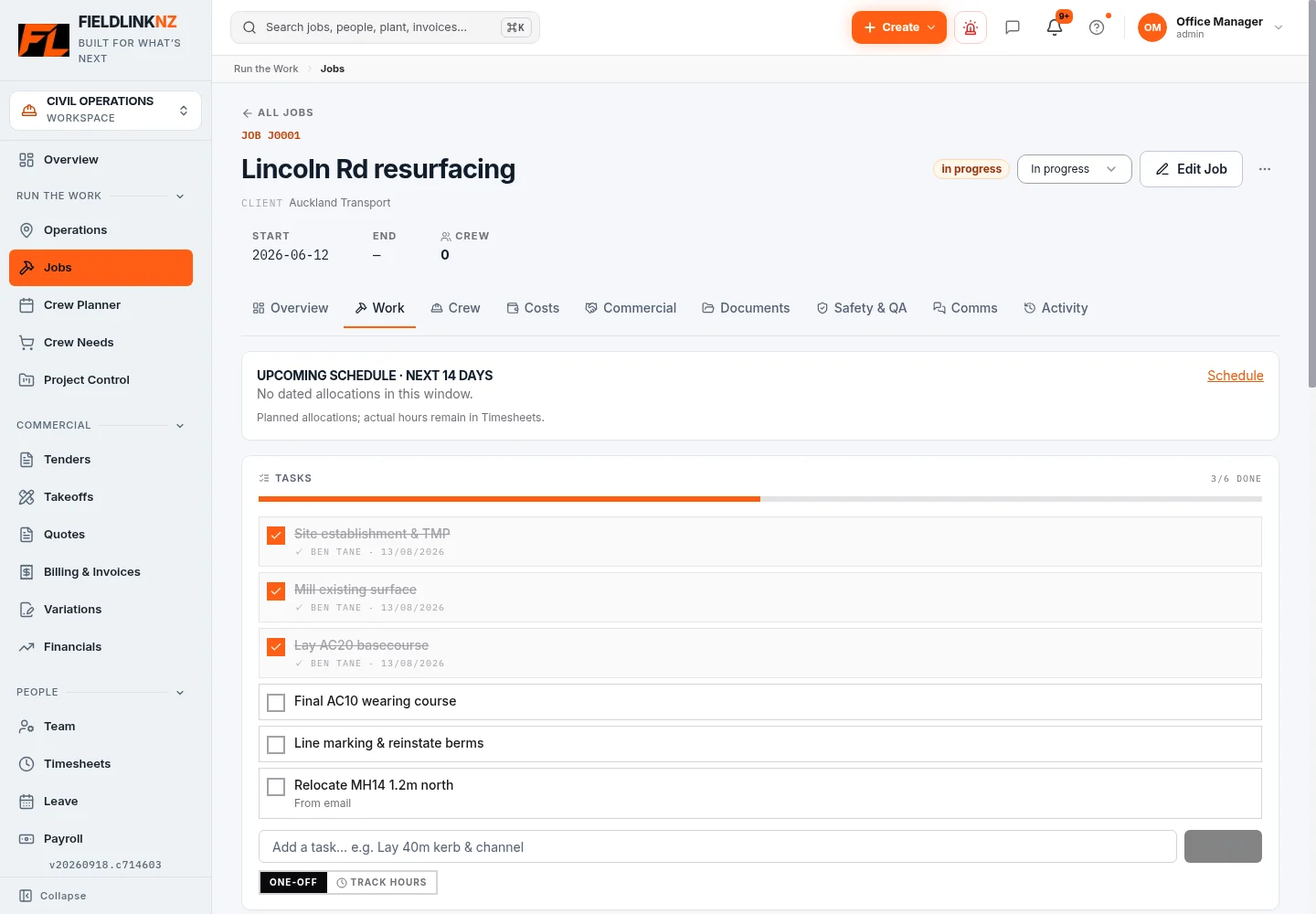
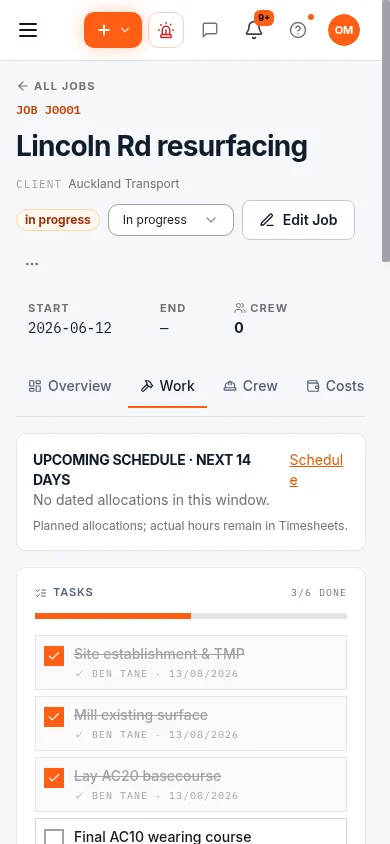
Jobs, crews and Plant. Keep the Job context together as the office plans the work ahead.
Explore the workflow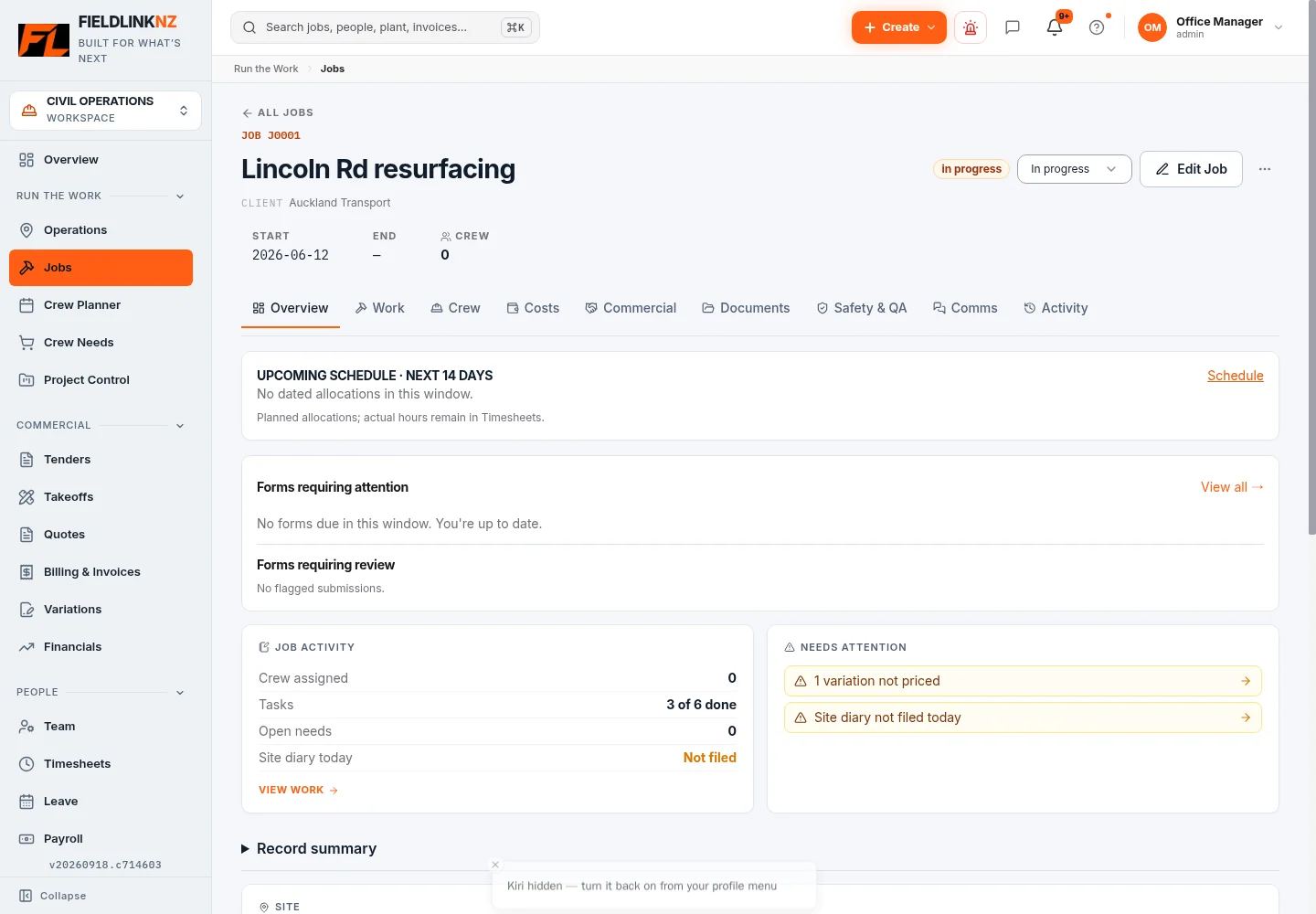
03
Timesheets, forms, photos and site records. Give the work on site a place in the Job record.
Explore the workflow04
SSSPs, pre-starts, toolbox talks and QA. Bring the required records into the daily work.
Explore the workflow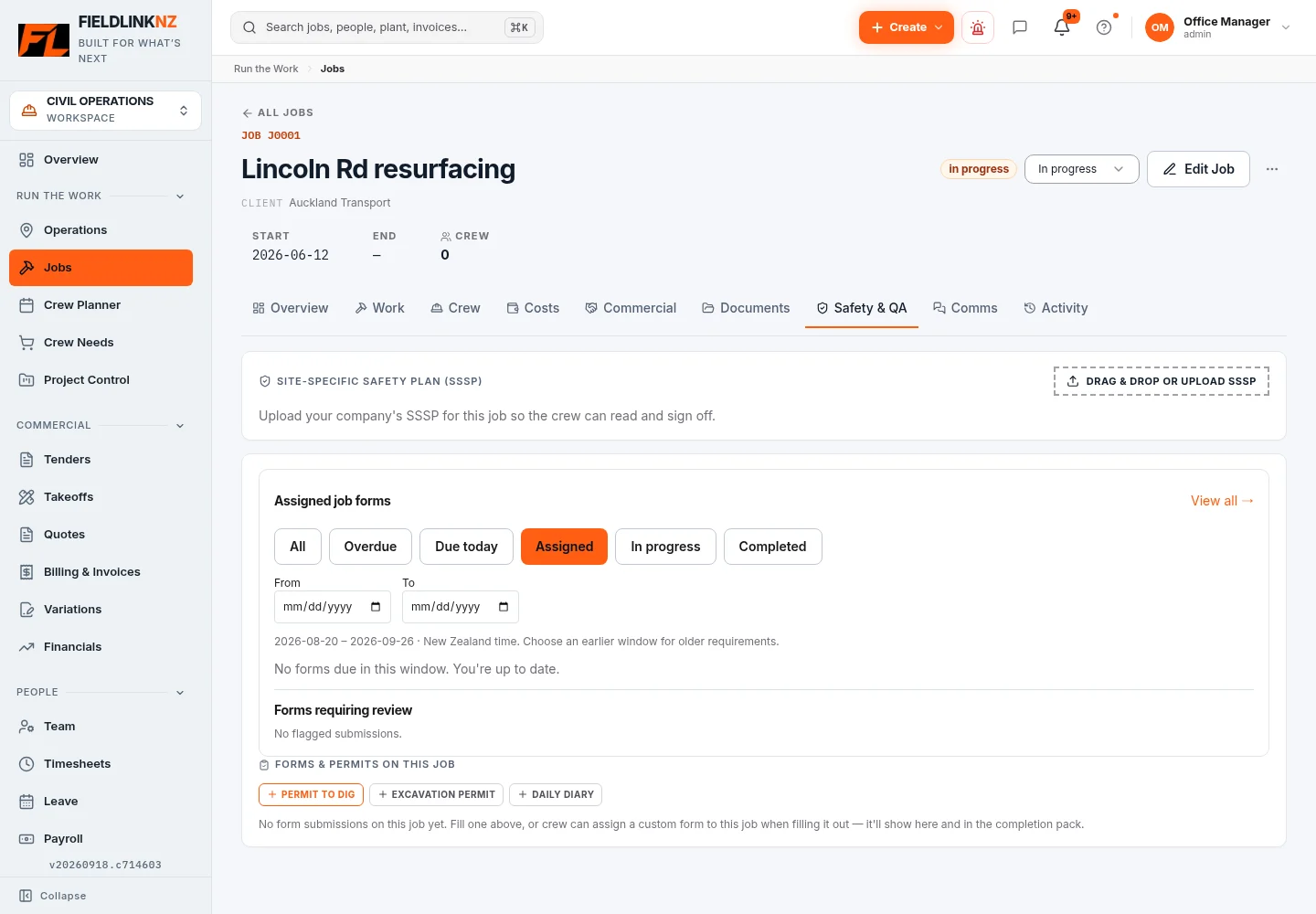
05
Labour, Plant and supplier costs. See recorded spend alongside the Job budget and quoted work.
Explore the workflow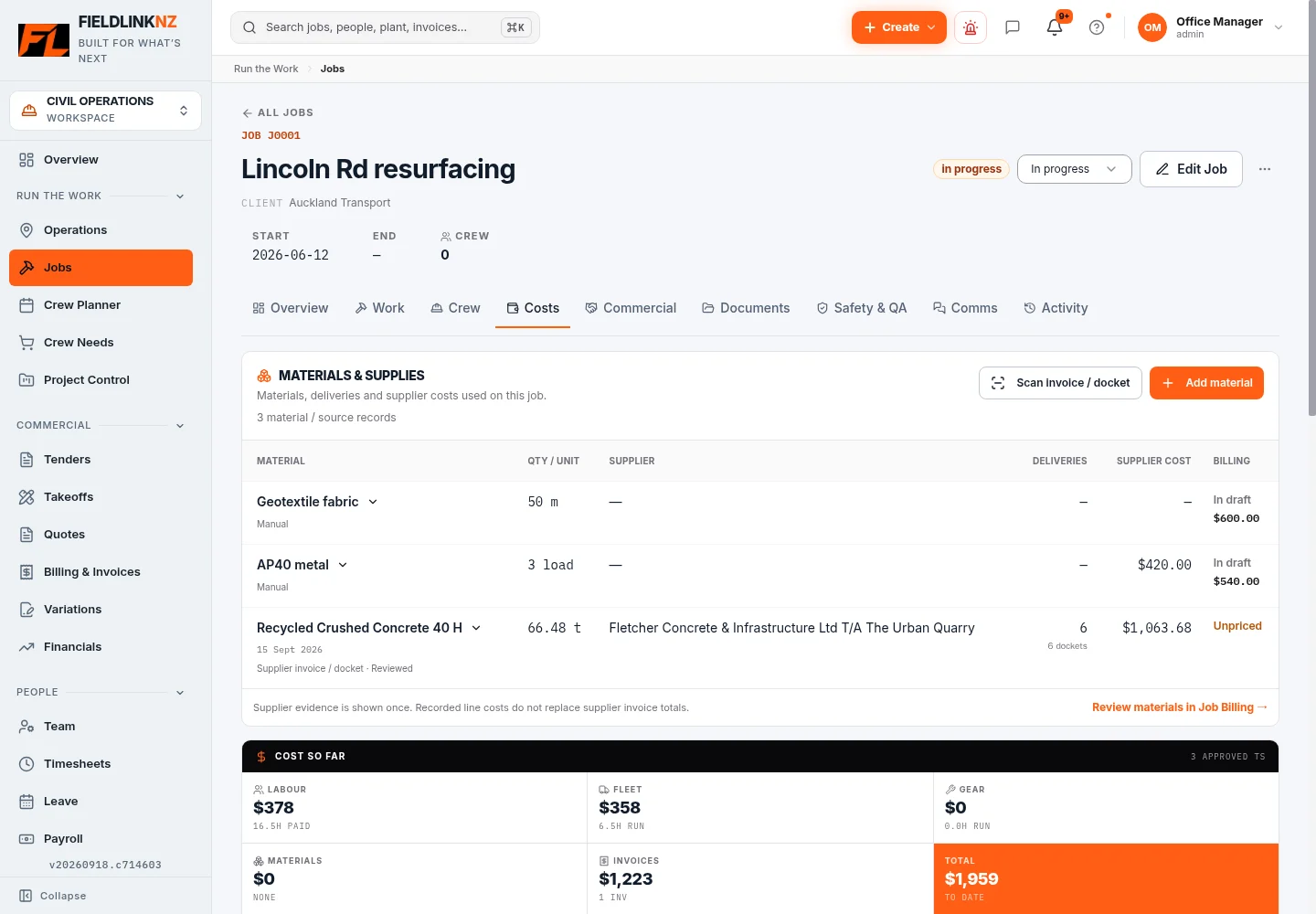
06
Variations, progress claims, invoices and Xero. Carry the commercial record through to billing.
Explore the workflow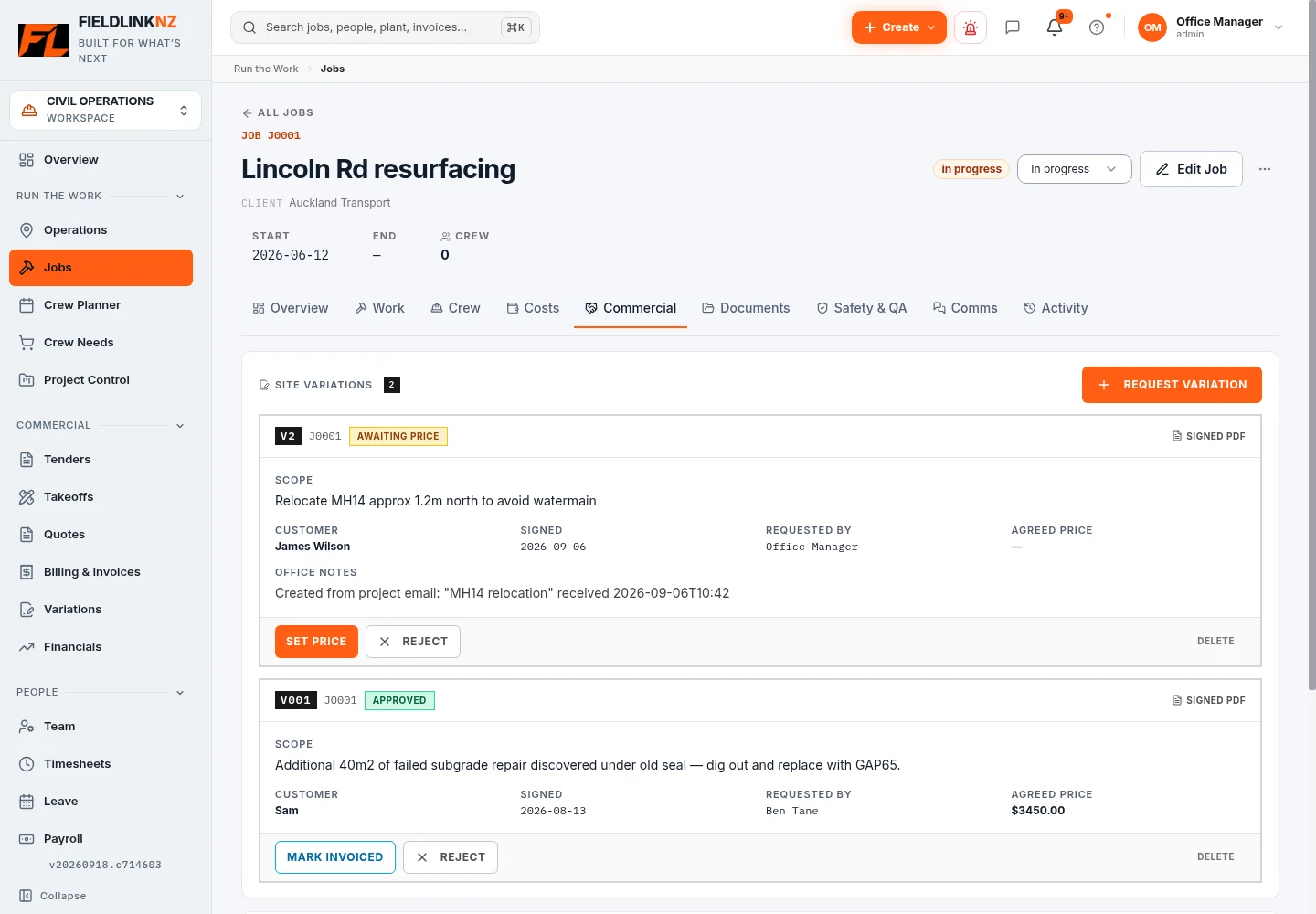
Actual Fieldlink screens. Open an image to see the detail.
For the work you do

Crews, machines, cartage and Job costs connected from day one.
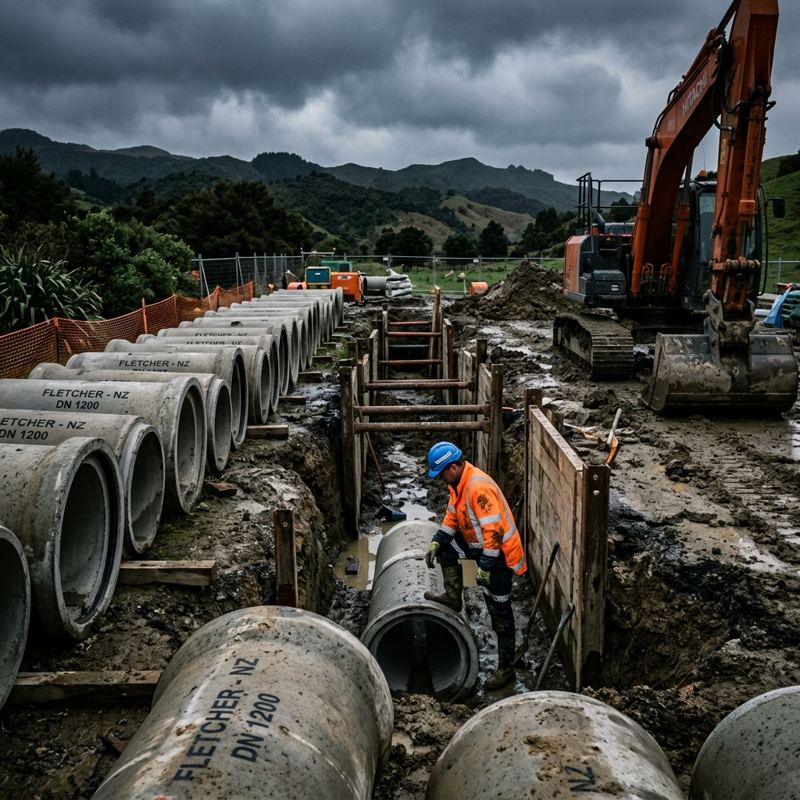
Pipework, quantities, QA and progress claims, with the Job.

Plant, pavement quantities, inspections and Job costing.

Trucking dispatch, trucks, loads, dockets and tonnes.

Office planning and site records, from tender through to invoice.
One connected working day
The office plans the Job. The crew opens Fieldlink and sees the work that belongs to them.
Room to run the whole business
Jobs, crew planning, Plant allocations and daily instructions.
Explore OperationsConnected to your accounts
Send customer invoices to Xero as drafts and export approved timesheets for payroll. Keep your accounts workflow connected to the work on site.
See how Xero connectsNZD. One monthly price for your crew.
30-day free trial. No credit card. No setup fee. Cancel anytime.
Up to 12 users
$39.99 NZD / month
Owner-operators and small civil crews.
Up to 30 users
$59.99 NZD / month
For growing civil crews.
Up to 50 users
$99.99 NZD / month
Bigger crews running multiple sites.
Up to 50 active users
$199.99 NZD / month
Your brand. Powered by Fieldlink.
Multi-branch operators, head contractors and franchises. We'll tailor a plan to your seat count and rollout.
Yes. Sign up online and get straight into Fieldlink — no waiting for approval and no sales call required. Start setting up your company and first Job straight away. We only call if you request a call.
Selected field workflows support offline capture and later syncing. Assigned forms, uploads and other connected actions still need a connection. Check the workflows your crew uses during the trial.
Yes. Customer invoices can be sent to Xero as drafts, and approved timesheets can be exported for payroll. Your team stays in control of the accounting step.
Setup depends on your crew, records and workflows. Start with your company, people and first Job, then add the other parts as you need them. NZ support is available if you need a hand.
A compatible phone or tablet with a browser. Fieldlink can be installed as a progressive web app. An internet connection is needed for setup and connected workflows.
Fieldlink has data import tools. The Yard plan includes CSV migration; contact NZ support to discuss your existing records and what can be brought across.
Yes. The published plans have no lock-in contract and can be cancelled anytime. See the terms of service for the full subscription terms.
Built for the work ahead
Run your civil business from one connected platform.
Sign up and get straight in. No waiting. We only call if you ask us to.